

Stencil Studio.Design. Refine. Print
Create tattoo-ready stencils with AI precision. Adjust every detail, mirror, size, and print seamlessly to the thermal printer already on your desk.
You stay the artist
The studio proposes lines and explains them. You approve, reweight, or redraw.
Prints without leaving the app
Device-aware density and scaling, so a 4-inch design arrives 4 inches wide.
Live preview, real controls
Shadow Depth prints the shade plate: pepper, whip ticks, and hatch in the recesses. Zero is linework only. One hundred is transfer-ready.
Drag the sliders. This is the studio engine, running in the page.
The pipeline
Five stages from reference to transfer.
Nothing is a black box. Each stage shows what changed and lets you take the wheel before the next one runs.
- 1
Import
Drop in a photo, a drawing, or your own sketch.
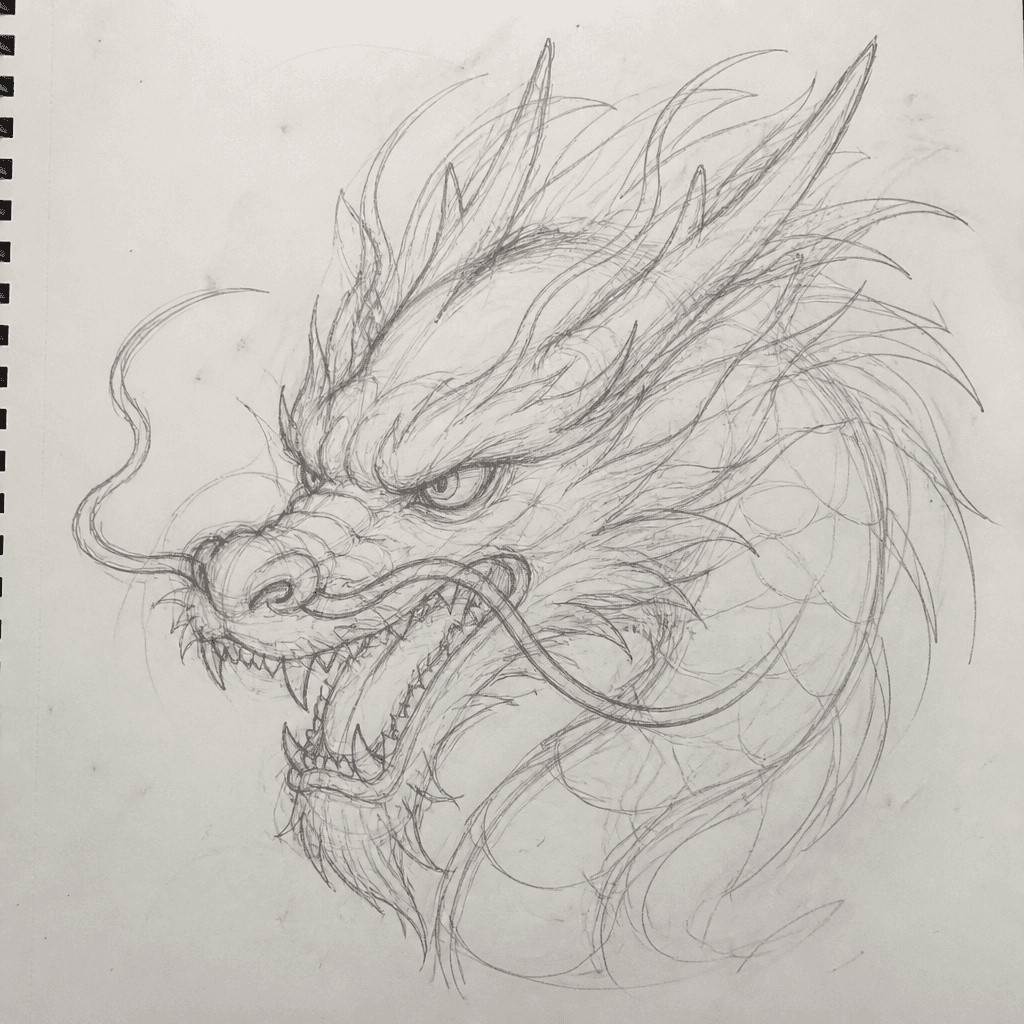
- 2
AI Enhance
Line extraction, clarity, and detail recovery.
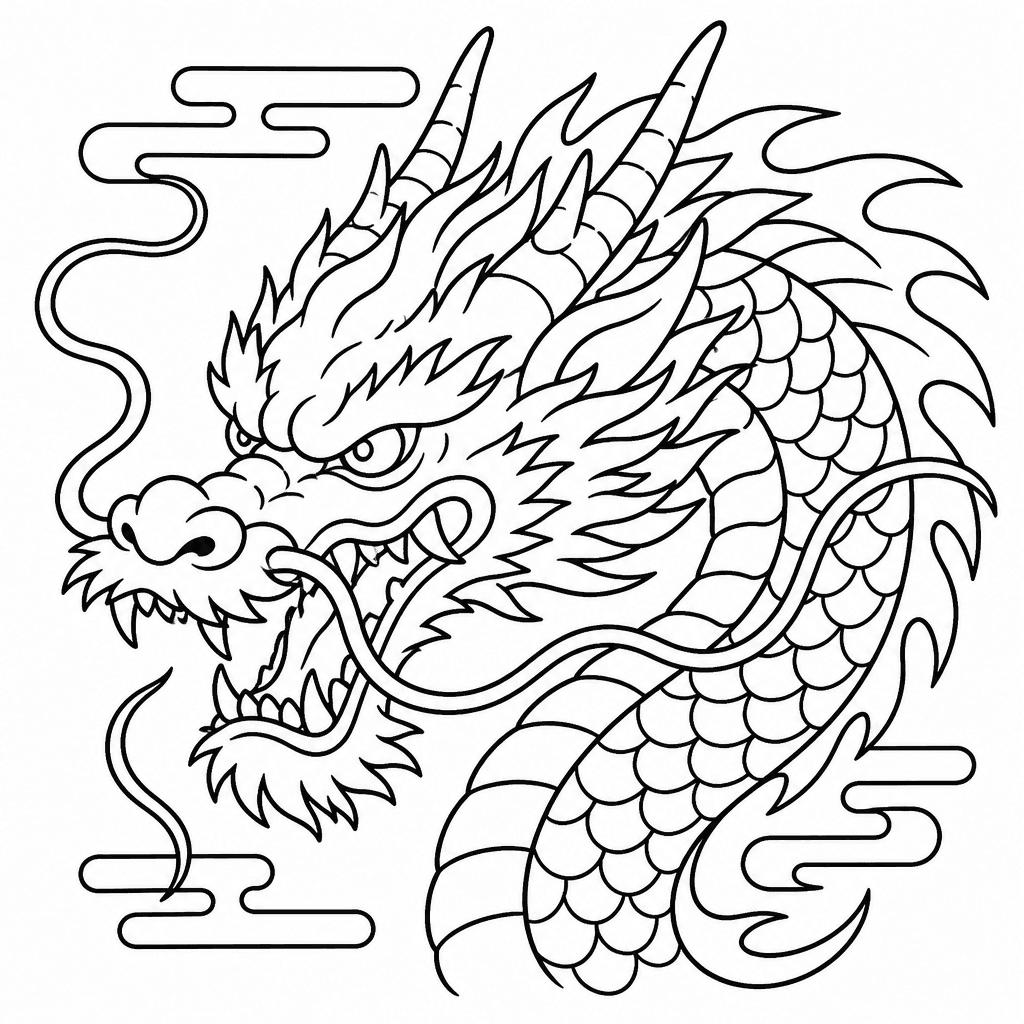
- 3
Refine
Take manual control of every layer and weight.
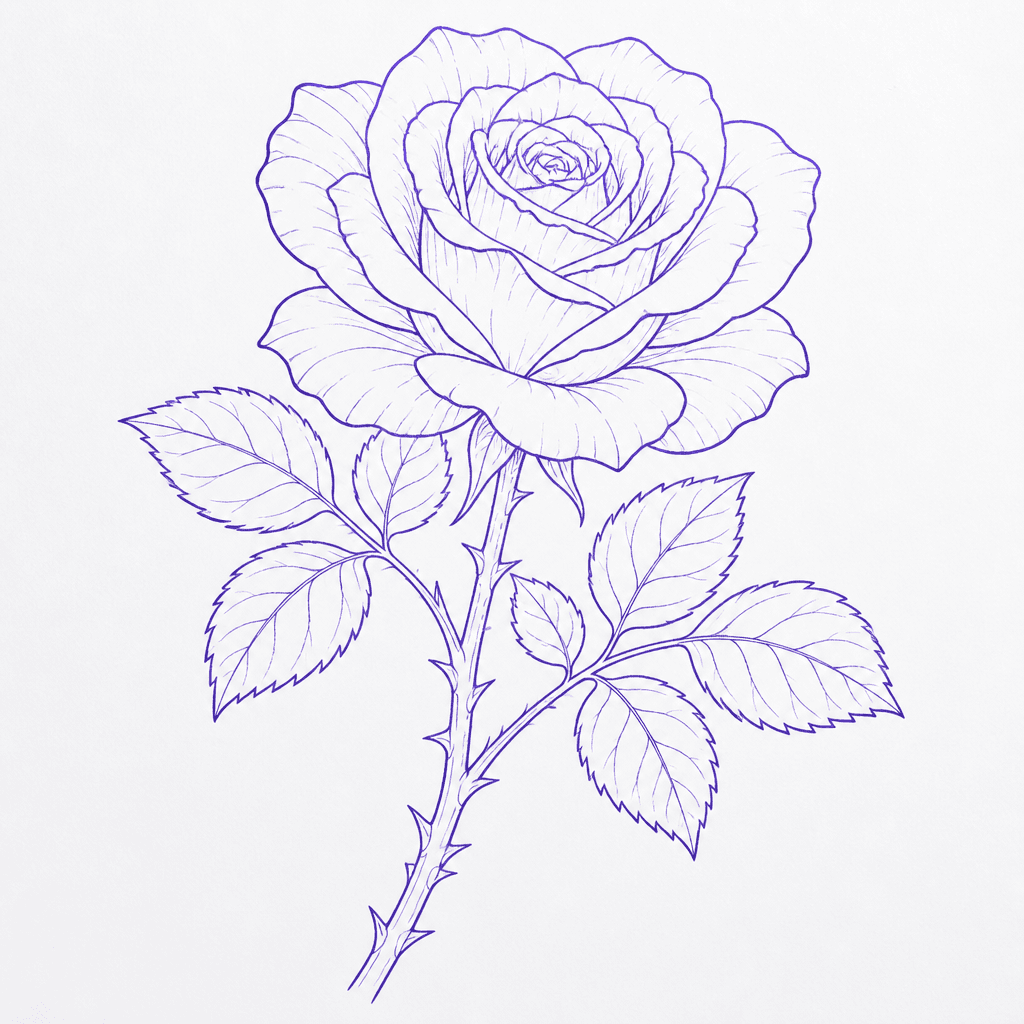
- 4
Mirror & Size
Flip for transfer and scale to the exact placement.
4.2 in - 5
Print
Straight to your thermal printer at correct density.
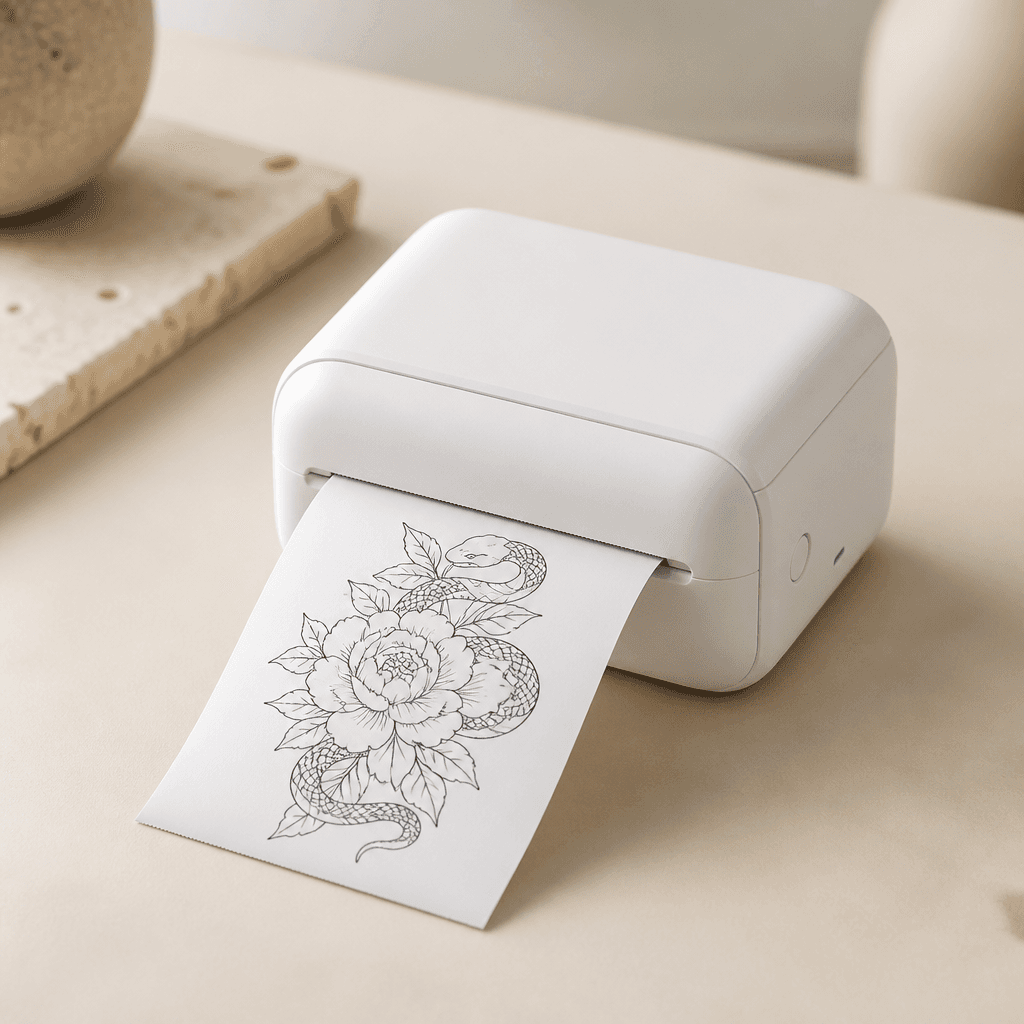
AI Precision
Smart line cleanup and detail boost that keeps your hand in it.
Perfect Stencils
Crisp, even lines optimised for a flawless thermal transfer.
Mirror & Scale
Right size, right placement, every time. No mirrored lettering.
Print Ready
Density tuned per device so lines survive the transfer.
Studio Connected
Plug in, sync, create. No driver hunting, no export dance.
Manual control
Six controls, and the reason each one exists.
Sliders are useless if nobody tells you what they are for. Every control in the studio is a stencil-construction decision with a name.
- 01
Outline strength
How much weight the primary contour carries.
- 02
Fine detail
Keeps or drops secondary lines that vanish under 2 inches.
- 03
Shadow depth
Packs stipple and whip marks into the recesses a tattooer would shade, ready for thermal print.
- 04
Thermal density
Compensates for a tired ribbon or a cold print head.
- 05
Negative space
Protects the gaps that make a piece readable on skin.
- 06
Stipple zones
Marks texture regions instead of drawing every dot.
Hardware
Printers NeedleDojo drives directly.
Verified models are tested in-house against thermal density and scale accuracy. Community tested models work, with calibration guidance contributed by artists.
| Printer | Connection | Max width | Status |
|---|---|---|---|
| Phomemo M08F | Bluetooth, USB | 8.0 in | Verified |
| Phomemo M834 | Bluetooth | 3.1 in | Verified |
| HPRT MT800 | Bluetooth, USB | 8.0 in | Verified |
| Brother PJ-763 | USB, Bluetooth | 8.5 in | Verified |
| Peripage A40 | Bluetooth | 8.3 in | Community tested |
| Generic ESC/POS 80 mm | USB | 3.1 in | Community tested |
Running something else? The studio still exports a print-ready file at correct scale, and the Stencil Printer Academy covers manual calibration for any thermal unit.
Design It Once.Print It Right
Stop losing pieces to faded lines, mirrored lettering, and stencils that come out the wrong size. The studio handles the mechanics so you can spend the session on craft.
No card. No spam. Waitlist members get founding pricing and first access.
See The AI Coach